

In today’s fast-paced digital world, efficiency isn’t a luxury — it’s a necessity. Whether you’re a student, working professional, freelancer, or business owner, small daily tasks can quietly consume hours of your time. From calculating EMI and GST to resizing images or generating QR codes, these micro-tasks add up.
The good news? There are powerful free online tools that can simplify these tasks in seconds.
Here’s a curated list of the Top 10 Free Online Tools for Daily Tasks That Save Time and make your workflow smarter.
1. Current Time Tool
Sometimes you just need to check the exact current time — especially when coordinating across different time zones, attending meetings, or submitting time-sensitive work.
A reliable Current Time tool instantly shows accurate, real-time clock data without needing to adjust device settings. This is particularly useful for:
-
Remote teams
-
International freelancers
-
Exam or deadline tracking
-
Live event coordination
Instead of switching system settings, you get instant clarity in one click.
2. GST Calculator
For business owners, freelancers, and accountants in India, GST calculations are routine but critical. Manual calculation often leads to errors.
A GST Calculator helps you:
-
Add GST to base price
-
Remove GST from total amount
-
Calculate CGST and SGST breakdown
-
Avoid billing mistakes
With predefined GST rates (5%, 12%, 18%, 28%), this tool saves time and ensures financial accuracy.
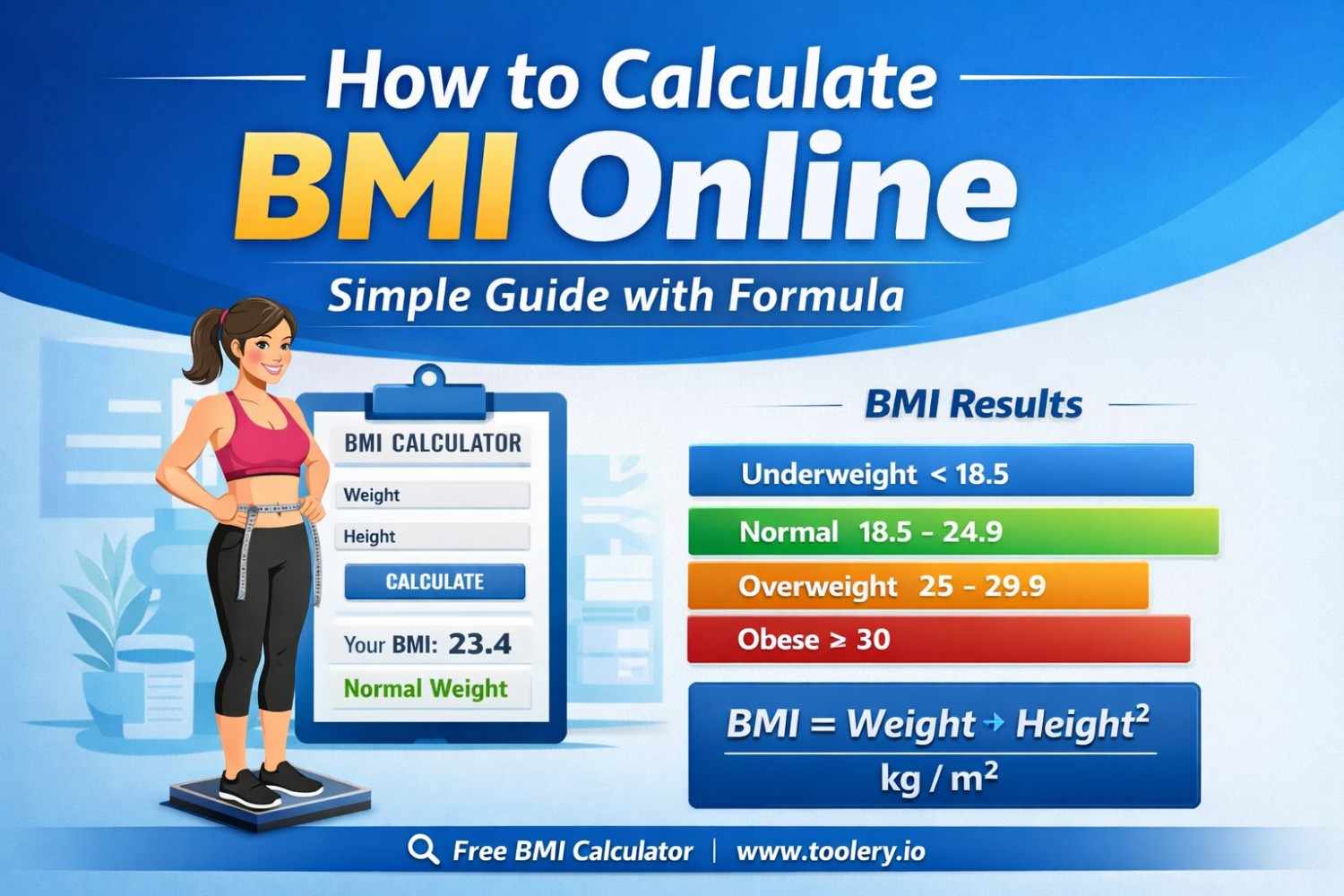
3. BMI Calculator
Health tracking has become more important than ever. A BMI (Body Mass Index) Calculator helps determine whether your weight falls under underweight, normal, overweight, or obese categories based on height and weight.
Benefits include:
-
Quick health assessment
-
Fitness goal tracking
-
Diet planning support
-
Awareness of potential health risks
Instead of complex formulas, just enter your details and get instant results.
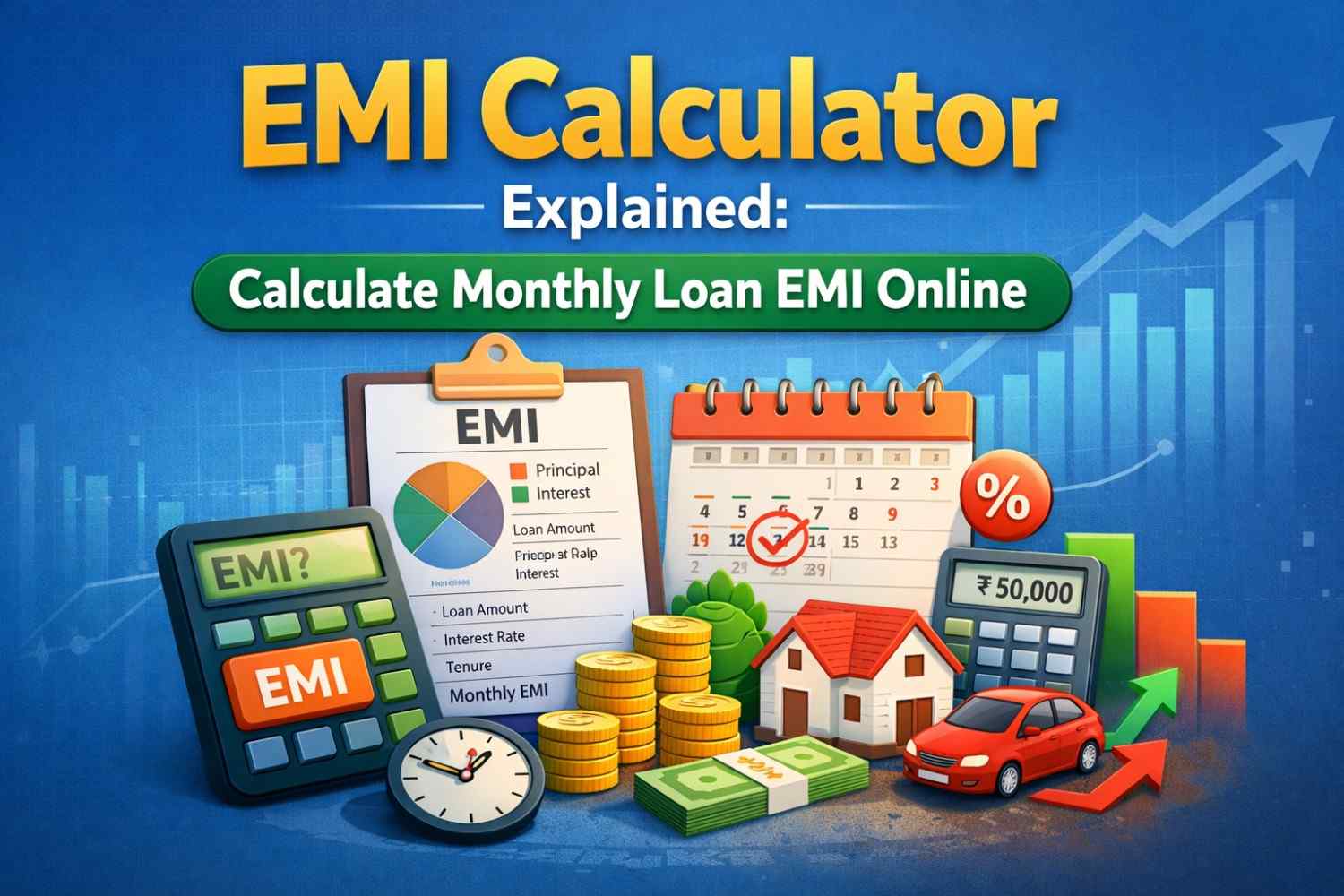
4. EMI Calculator
Planning to take a loan? Whether it’s for a home, car, or personal expense, understanding your monthly commitment is essential.
An EMI Calculator instantly calculates:
-
Monthly installment amount
-
Total interest payable
-
Total repayment amount
-
Loan planning scenarios
This tool helps you make smarter financial decisions without manual compound interest calculations.
5. QR Code Generator
QR codes are everywhere — payments, menus, event registrations, websites, and product packaging.
A QR Code Generator allows you to:
-
Convert URLs into QR codes
-
Share contact details instantly
-
Create Wi-Fi access codes
-
Promote business links easily
It eliminates the need for typing long URLs and enhances user convenience.
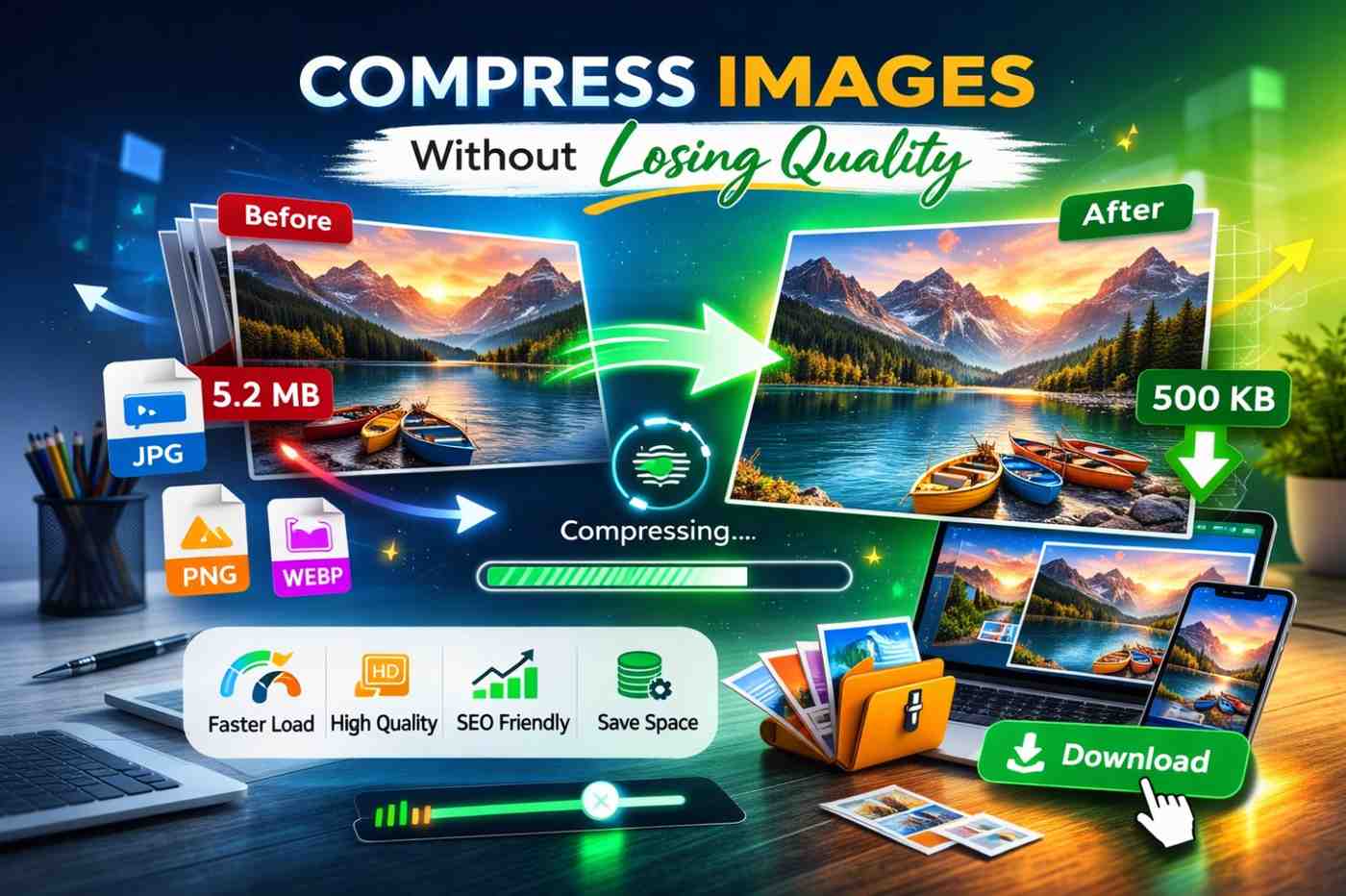
6. Image Compressor
Images improve engagement, but large image files slow down websites and affect SEO rankings.
An Image Compressor reduces file size while maintaining quality. It’s perfect for:
-
Website optimization
-
Faster loading speed
-
Email attachments
-
Social media uploads
This tool helps improve performance without compromising visual clarity.
7. Age Calculator
Need to know your exact age in years, months, and days? Whether for official forms, competitive exams, or personal milestones, an Age Calculator gives precise results instantly.
Use cases include:
-
Government application forms
-
Retirement planning
-
School admissions
-
Birthday countdown tracking
No need for manual date calculations — just input your birth date.
8. Case Converter
Formatting text manually can be frustrating. Whether you need UPPERCASE, lowercase, Sentence case, or Title Case, a Case Converter simplifies the process.
Ideal for:
-
Content writers
-
Social media managers
-
Students
-
Developers formatting code or documentation
Instead of editing text line by line, convert entire paragraphs in seconds.
9. Image Format Converter
Different platforms require different image formats. PNG, JPG, WEBP, and more — compatibility matters.
An Image Format Converter allows you to:
-
Convert PNG to JPG
-
Convert JPG to WEBP
-
Change formats without quality loss
-
Make images platform-ready instantly
This tool is especially useful for website uploads and social media requirements.
10. Image Resizer
Each platform has its own image size requirements. Instagram posts, website banners, LinkedIn covers — all need specific dimensions.
An Image Resizer helps you:
-
Adjust dimensions quickly
-
Maintain aspect ratio
-
Optimize images for different platforms
-
Avoid pixel distortion
No need for heavy design software — just upload, resize, and download.
Why These Tools Matter
Individually, these tasks seem small. But collectively, they consume significant time each week.
Using free online tools:
✔ Reduces manual errors
✔ Saves hours every month
✔ Improves productivity
✔ Simplifies repetitive tasks
✔ Enhances professional efficiency
The real advantage isn’t just speed — it’s mental clarity. When small tasks are automated, you focus on strategic and creative work instead of calculations and formatting.
Final Thoughts
Productivity is not about working longer — it’s about working smarter.
These 10 free online tools eliminate friction from everyday tasks. Whether you’re managing finances, optimizing images, formatting content, or tracking health metrics, these utilities provide instant solutions without complex software installations.

Leave a Reply to A WordPress Commenter Cancel reply